
PV–4 patch receipt
PV–4 patch lab
assemble. route. save. play.
sample loops, sequence bass, compose by moving tiles.
patch playground
snap tiles. reroute sound.sound recipes
choose a starting point.
preset suggestions for sample loops, bass sequence tone, texture and fx.
module controls
shape the four tiles.
open each tile menu to choose a sample or effect. drag or wheel the rotary knobs to change the patch.
selected module
kick / density 64
KICK / 64
808 / 72
NOISE / 40
DELAY / 58
bass sequencer
bass sequencer.
record a bass line into 16 steps.
Use the virtual keyboard to record a bass line into the bass tile. The bass tile works as a 16-step sequencer, while the other tiles play sample loops and effects.
sequencer
STEP COUNT 16
STEP LENGTH 1
SUM 16
METRONOME OFF
quantize: auto
bass input
play keys to record bass steps. record on, then press a note.
virtual mode · MIDI not connected.
active notes: none
last input: none
recording: off
bass tile
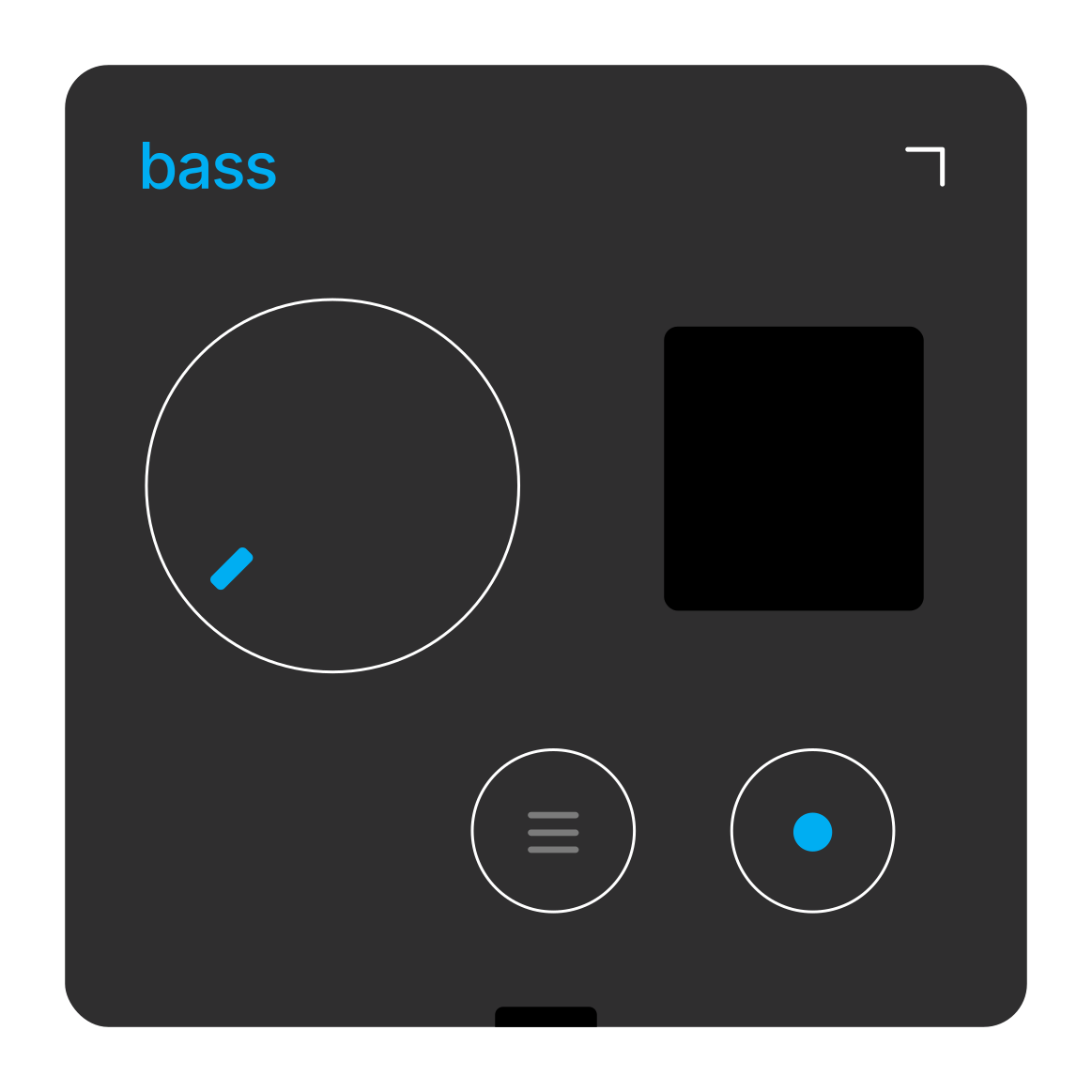
SEQ 16LEN 1
16 steps / length 1 / sum 16